Hair Studio

Try the haircut before you book it

Upload or take a clear photo facing the camera. Browse presets grouped by gender, or use Smart Recommendation when you do not have a style in mind. Hair Studio currently accepts front-facing photos only.

Preview a hairstyle
Use a clear, front-facing photo Choose a preset or a recommendation Preview and download the result

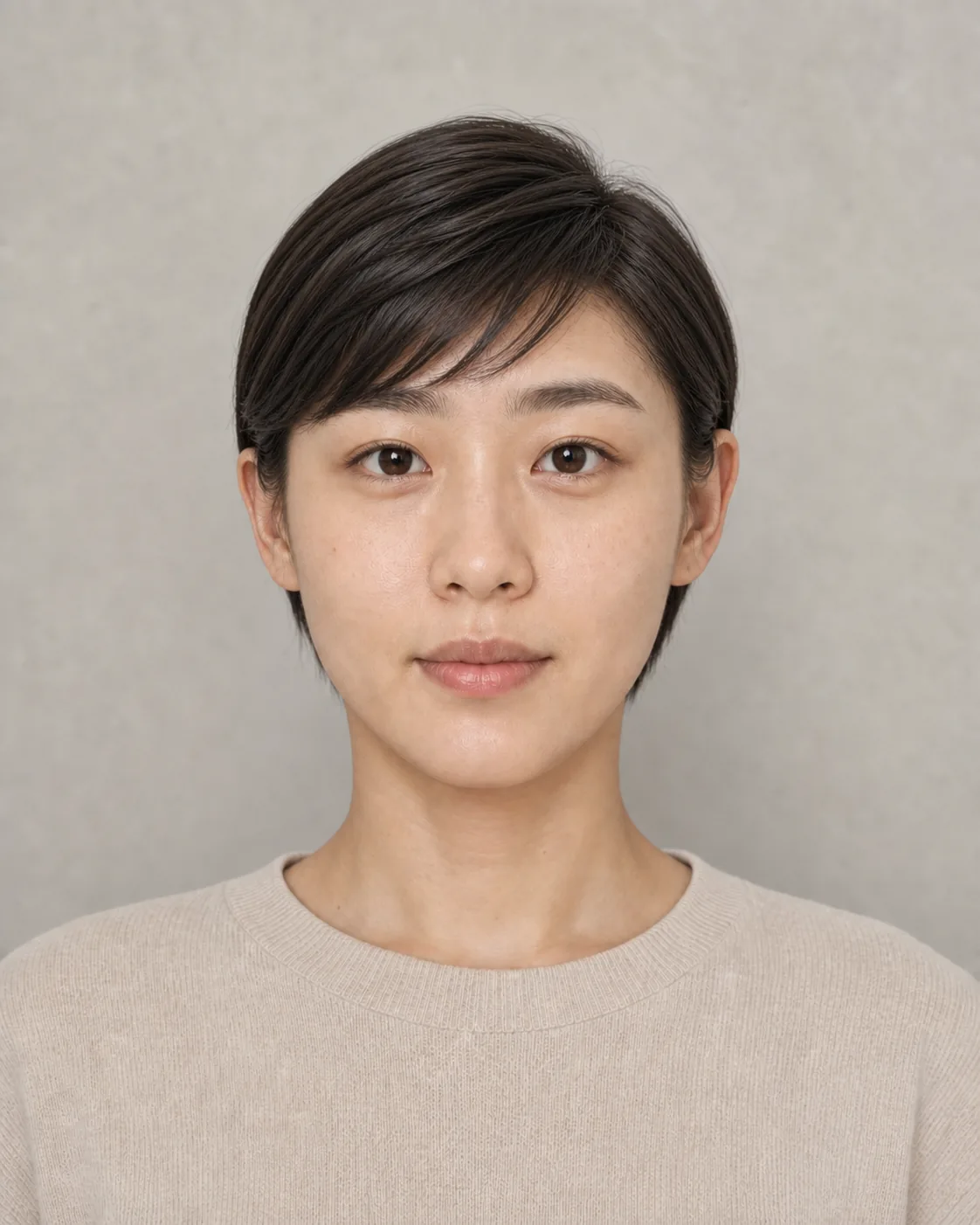
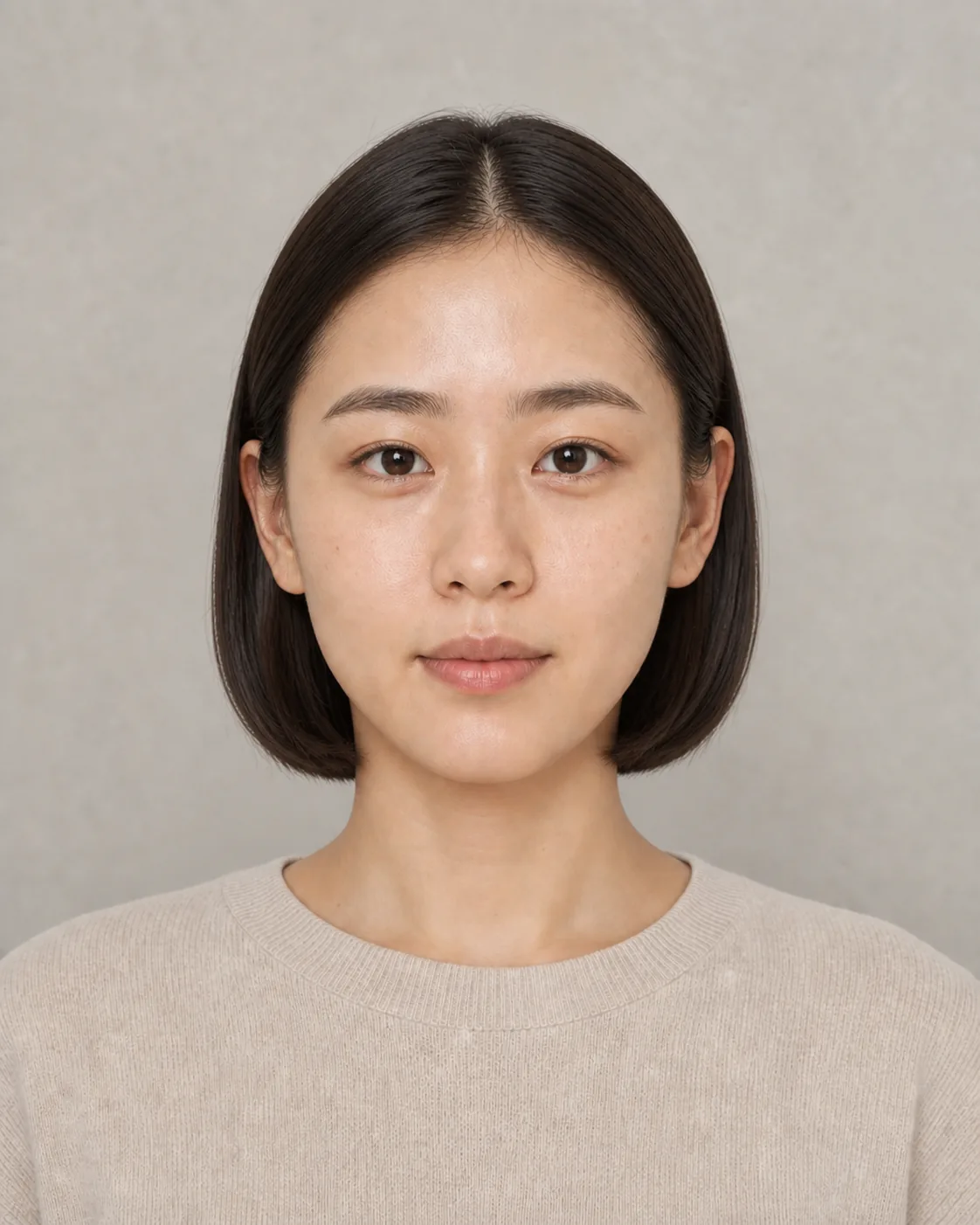
Original photo

Front-facing original portrait of a woman

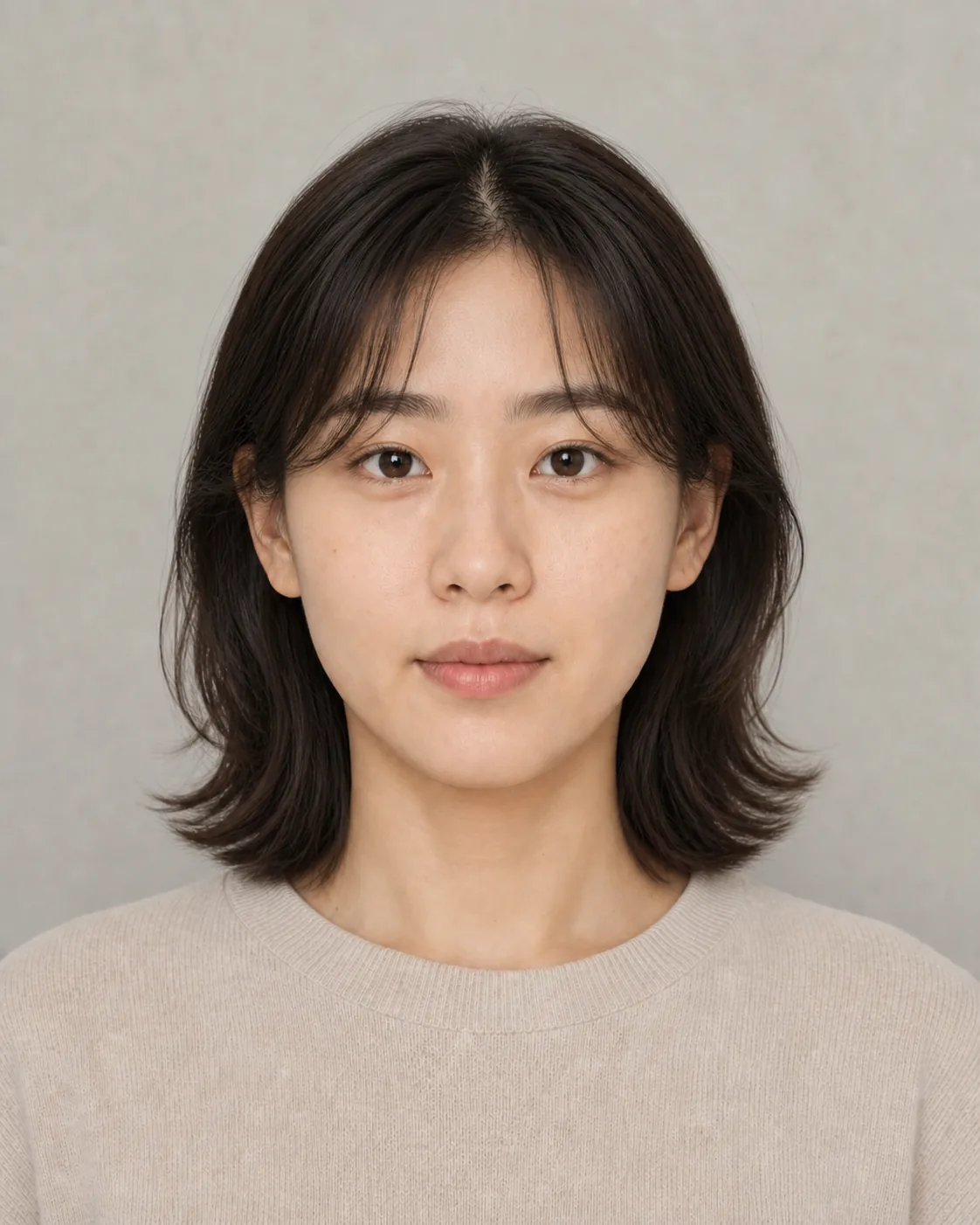
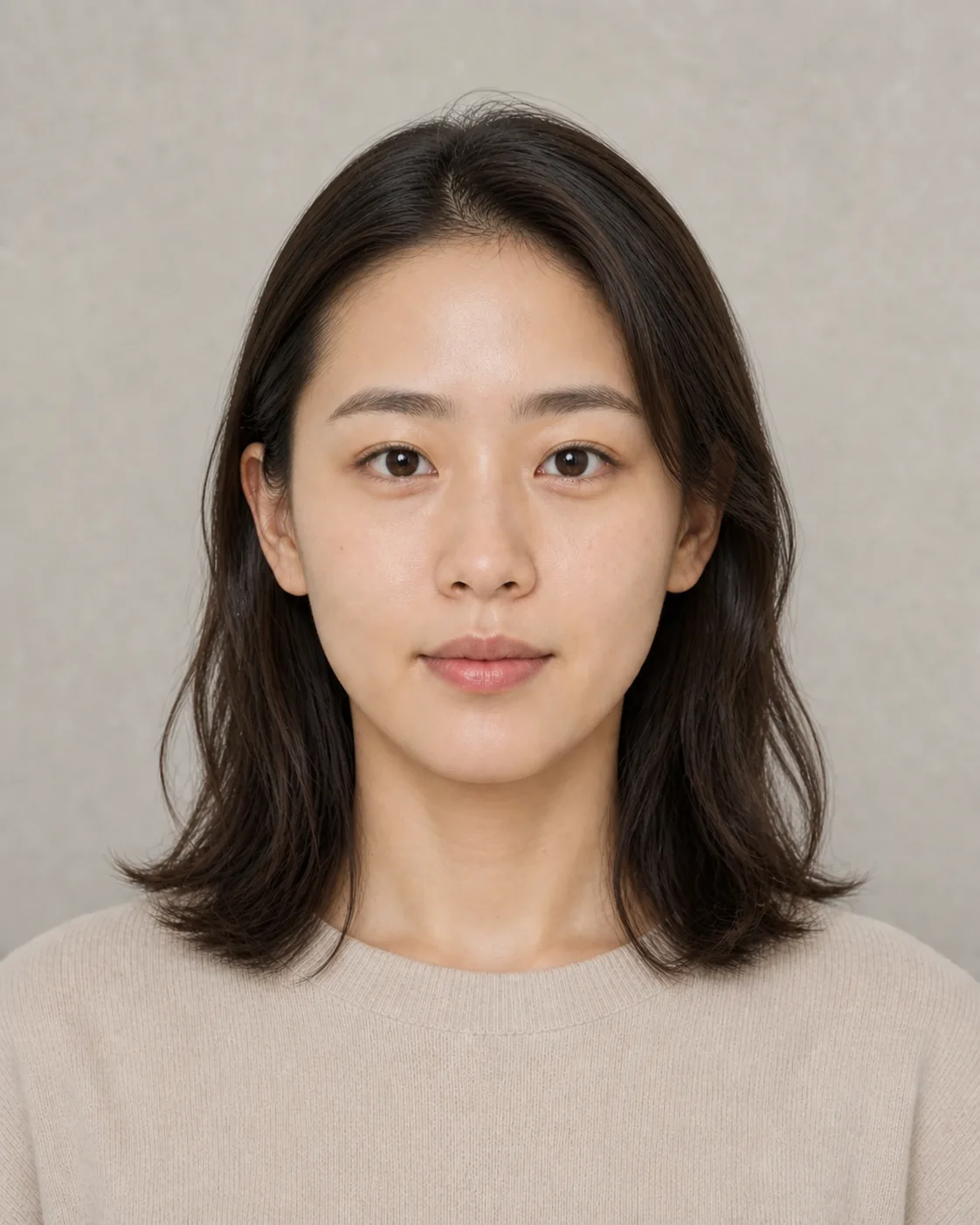
Hairstyle preview

The same person with a layered mid-length haircut

The side-by-side images are a landing-page example. Hair Studio shows the finished image rather than a built-in before-and-after view.

Pick a direction, or let the service suggest one

Both modes start with the same kind of front-facing photo. The only difference is whether you choose the hairstyle or ask for a recommendation.

Preset hairstyles

Browse by gender, then choose a style

If you already have a rough direction, browse the presets for men or women and pick one. It works well for thoughts such as shorter, softer, or more layered, even when you do not know the haircut name.
Smart Recommendation

Start with a suggestion when you are unsure

If no preset stands out, switch to Smart Recommendation and let the service choose a direction. You do not need to write a hairstyle description.

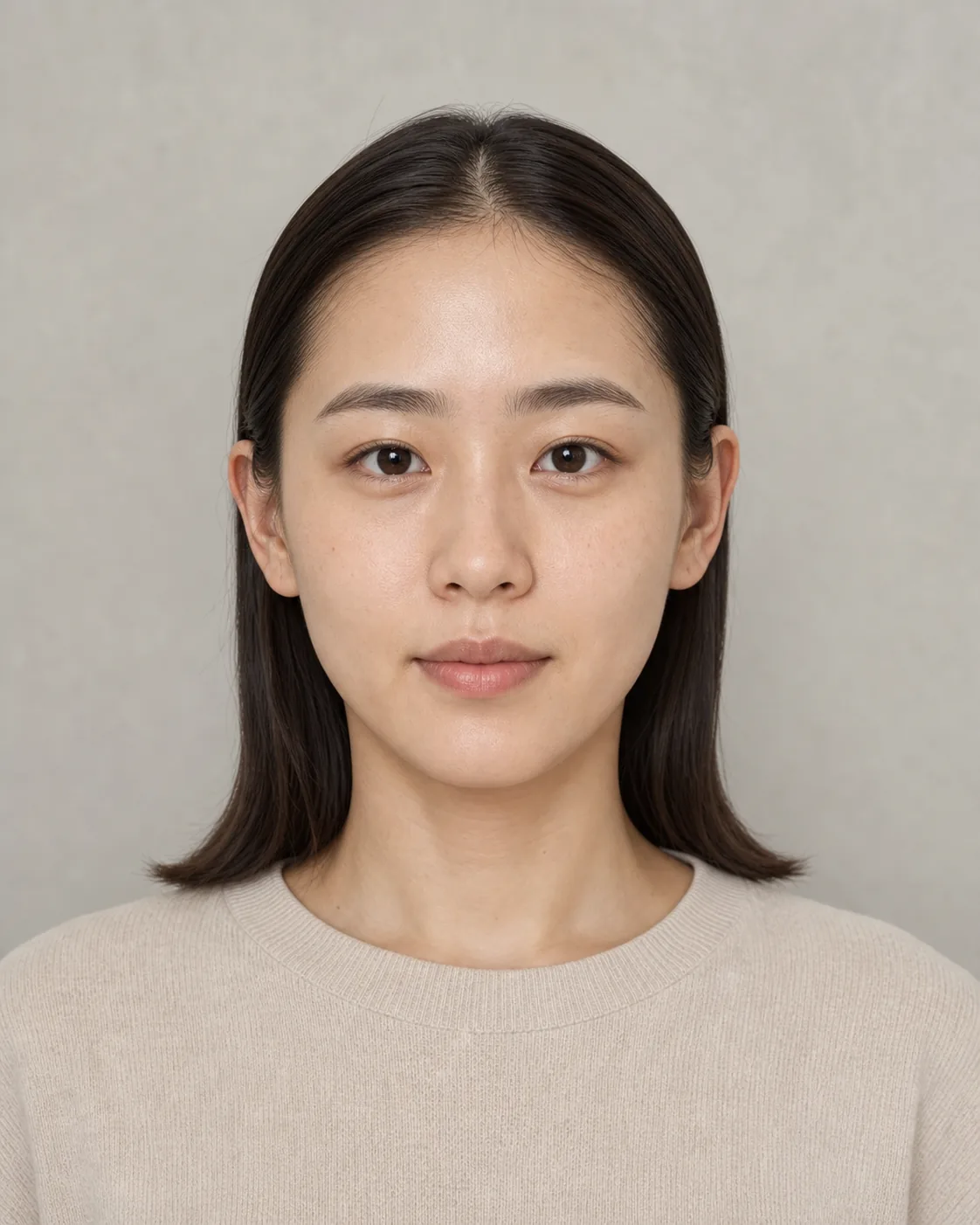
The same person with a chin-length bob

Preset result

The same person with soft shoulder-length waves

Recommended result

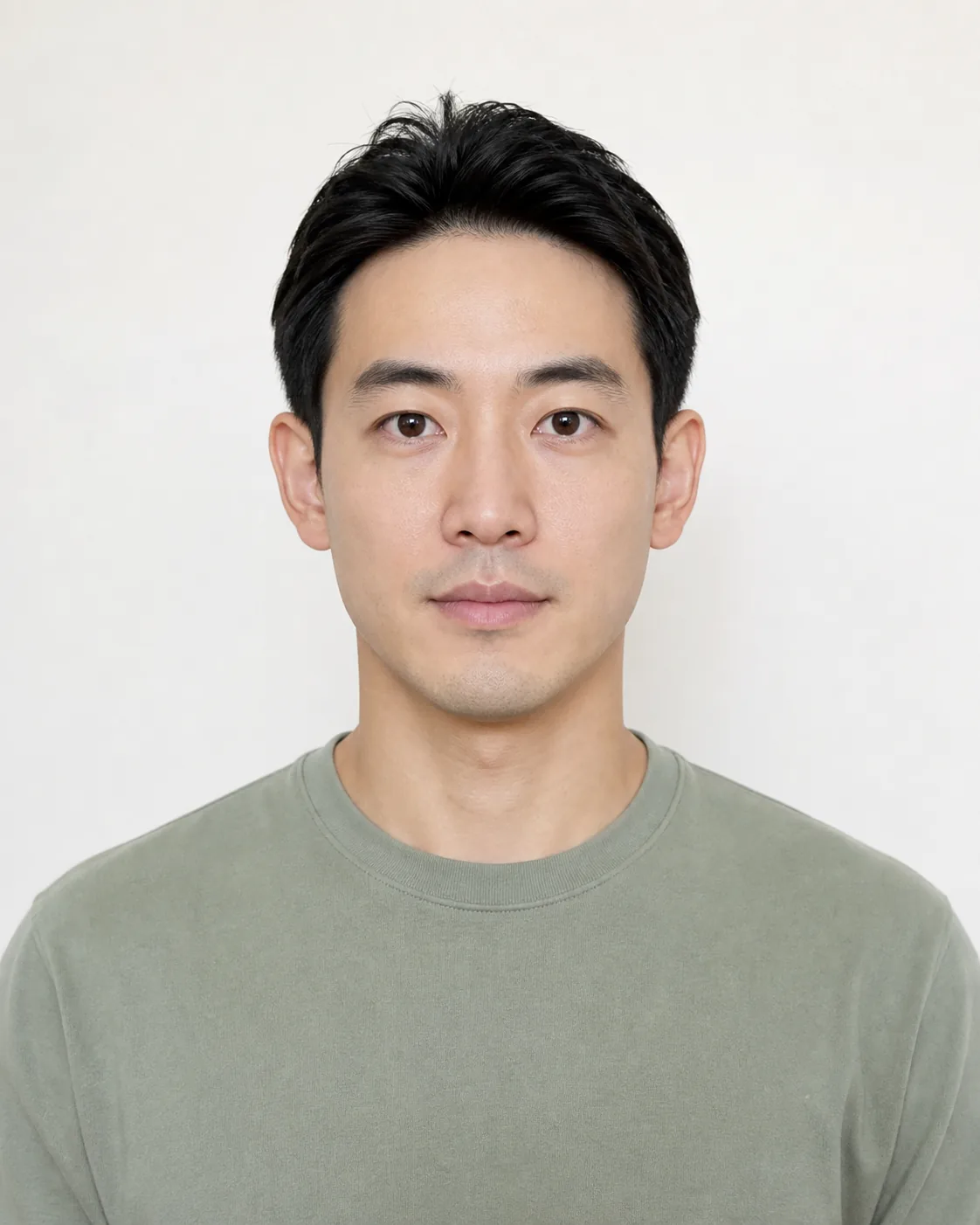
The same person with a textured pixie cut

Another direction

A front-facing photo with clear features and hairline

A clearer photo makes the result easier to judge

The hairstyle has to be built around a recognizable face and hairline. A selfie or a photo taken by someone else can work; facing the camera with even light matters more.

A better starting photo

  • Keep the camera near eye level and face it directly
  • Show the full face, outline, and hairline clearly
  • Use even light and a reasonably quiet background

Avoid for now

  • Profiles, high or low angles, and a noticeably turned head
  • Bangs, hands, or shadows covering much of the face
  • Heavy filters, strong retouching, or a blurred image

How it works

One photo, three steps

Try a hairstyle
  1. 01

    Upload or take a front-facing photo

    Choose an existing photo or use the camera. Check that the features, face outline, and hairline are easy to see.

  2. 02

    Choose a preset or recommendation

    In Preset mode, select a gender and style. If you have no target, switch to Smart Recommendation. Review the estimated credits before submitting.

  3. 03

    View and download the result

    Open the finished image for a closer look and download it if useful. To try another direction, return and choose a different photo or mode.

It is a preview, not a promise from the salon

The result can help you judge a direction, but it cannot account for every detail of your hair texture, volume, or an in-person cut.

Front-facing photos only

Profiles, high angles, low angles, and other views are not open yet. Start with a photo facing the camera.

Judge the finished image you receive

The aim is to change mainly the hair while keeping the face familiar, but the photo and chosen style will affect the result.

Upload only photos you may use

Your own photo is usually the safest choice. Do not upload or process another person's likeness without permission.

See estimated credits before submitting

Credits are charged when the task succeeds and returned if it fails. The final task status is the source of truth.

Memberships and credit packs are on Plans. Photo and result handling still follow the Terms of Service and Privacy Policy. To create a new image from words or references, use Generate.

Before choosing a photo

The most important input is not a complicated setting. It is a suitable front-facing photo.

The tool needs a clear view of the features, face outline, and hairline so the face can remain recognizable while the hair changes. Profiles, high or low angles, and heavy obstruction are not supported yet.

See it first. Decide on the cut later.

Start with one clear, front-facing photo and either a preset or a recommendation. The finished result gives you something concrete to consider.