 MindSee
Editorial and social
Turn the time, place, and mood in a piece of writing into an image that belongs beside it.
Describe the people, place, light, and mood—or add a reference image. Before you run it, choose the model, size, quality, number of images, format, and background, and check the estimated credit cost.
What are you making?
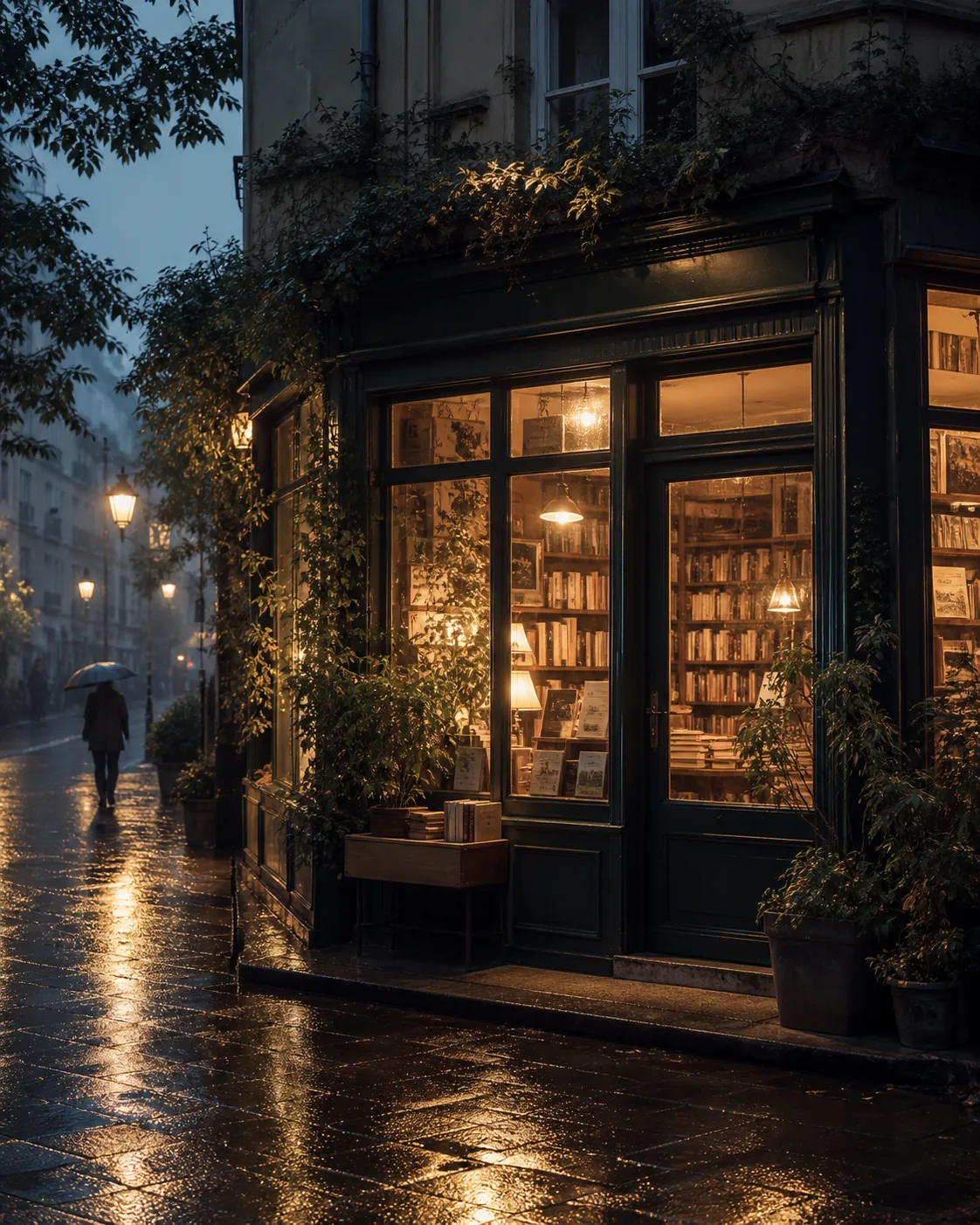
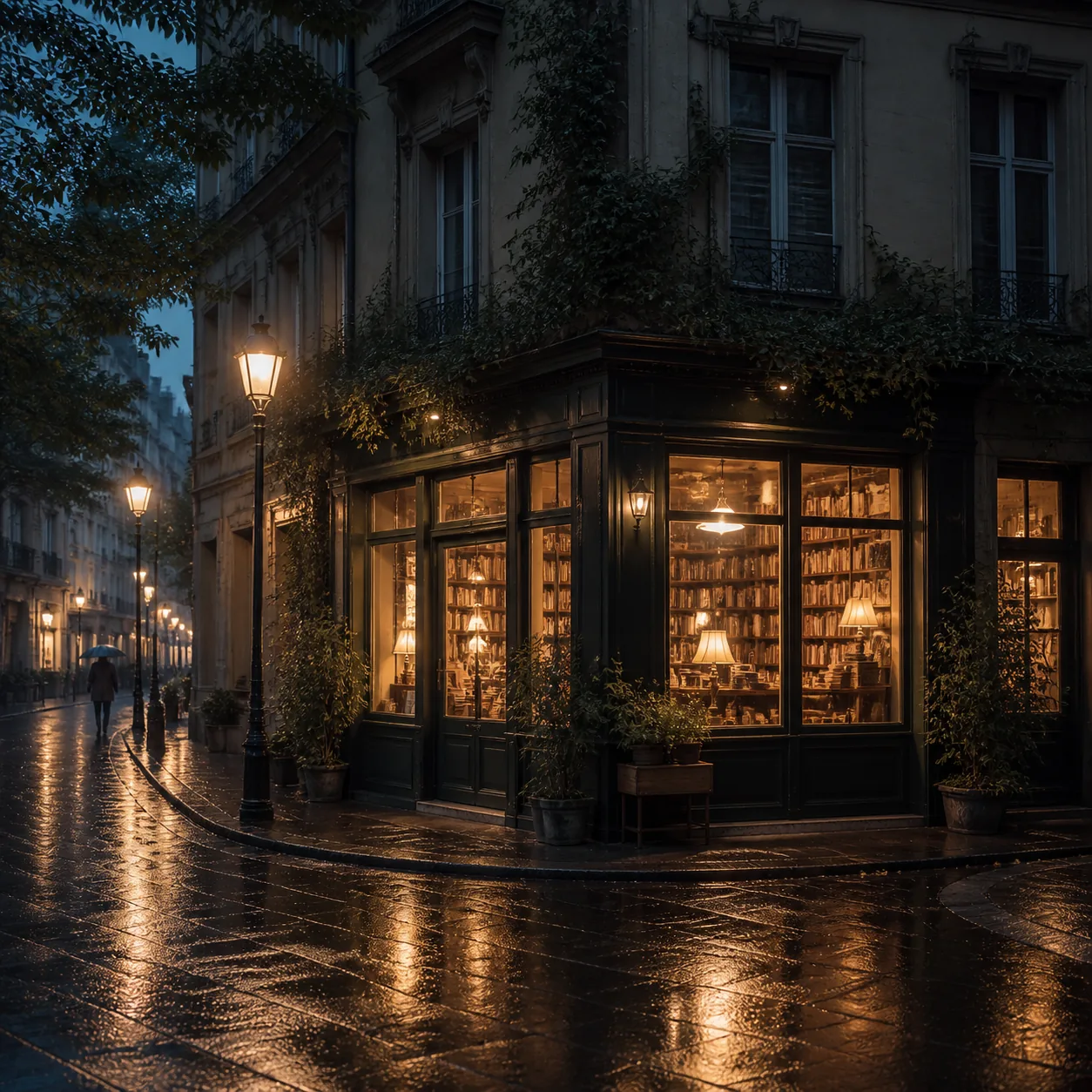
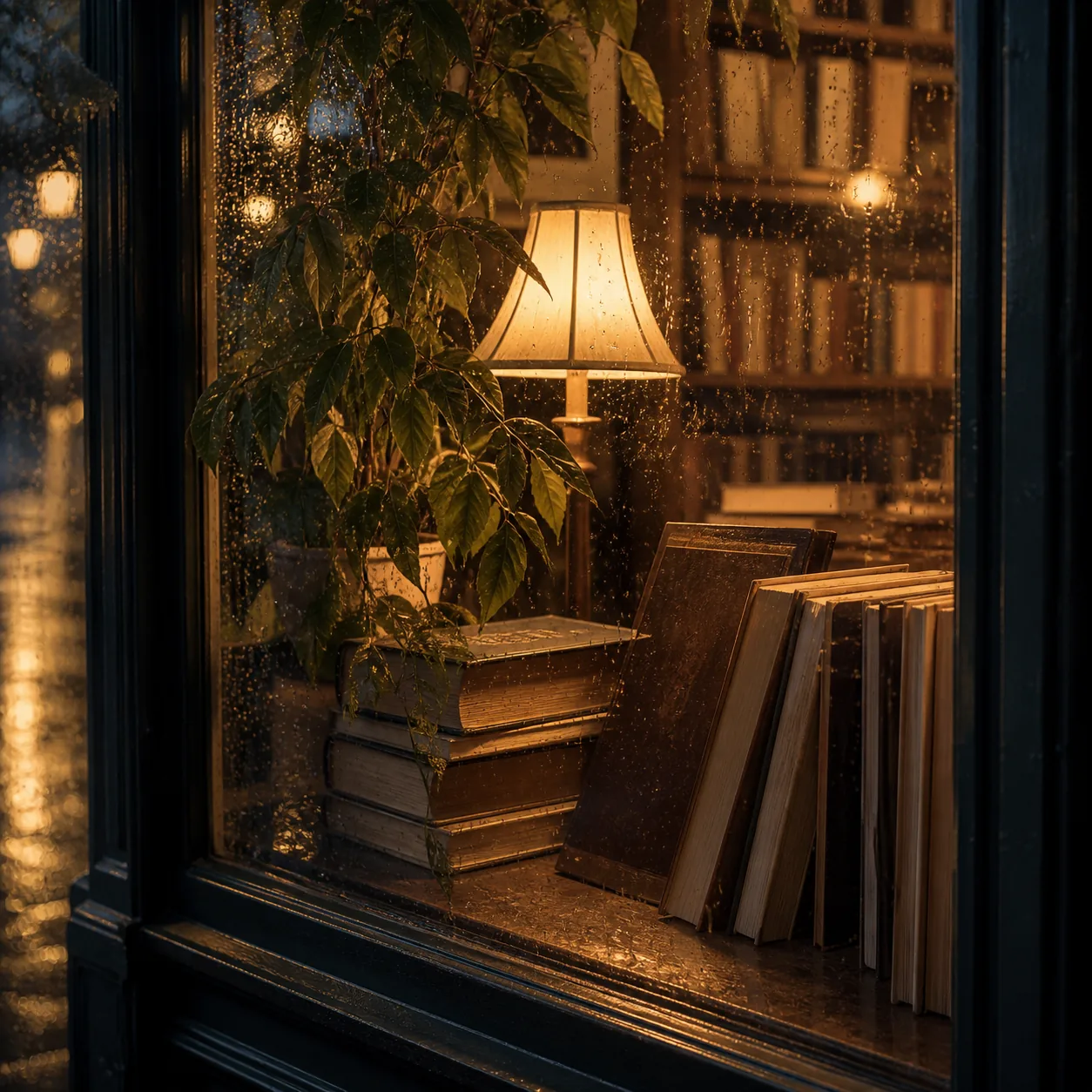
A corner bookshop after rain, warm evening light, quiet mood, wide crop for an article
What you can make
The same generator can serve very different formats. The useful question is often where the finished image will appear.
Turn the time, place, and mood in a piece of writing into an image that belongs beside it.
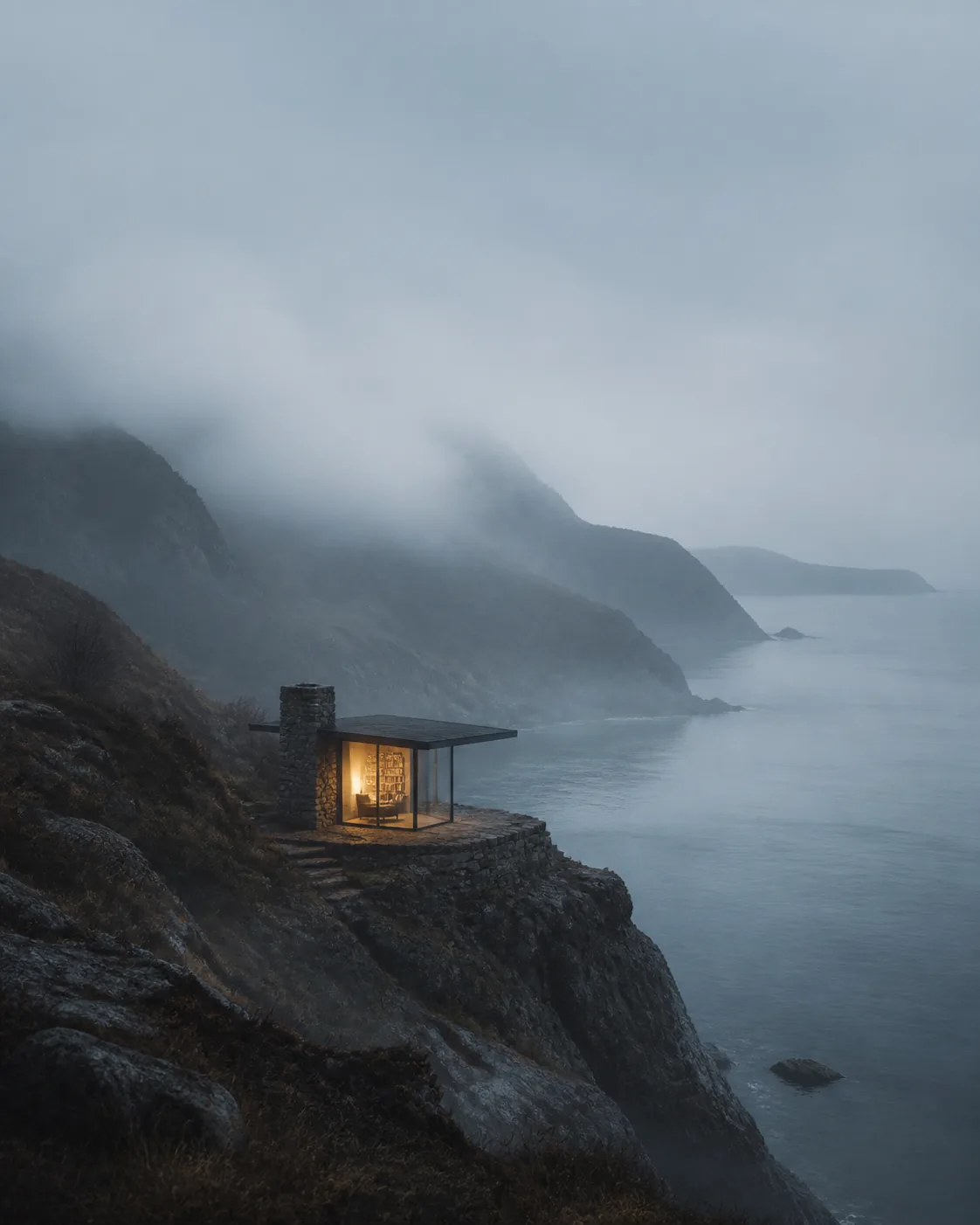
Leave room for the title before you settle the subject and light, so the final crop does not have to fight the image.

Begin with appearance, clothing, and expression, then add the season, place, and surroundings.

Use an existing product photo as a reference, then describe the surface, light, and space the layout needs.
Two ways in
A reference image is optional. Words are enough to begin; add an image when composition, a person, or an object is easier to show.
Text description
Start with what matters: who or what is in the frame, where it is, and how the light and mood should feel. A short brief is fine. The first result will tell you which detail to add next.
Reference images
A reference can clarify composition, a person, an object, or a color direction. Still say what should stay and what should change instead of leaving the image to make every decision.
Available sizes, quality levels, and background options vary by model. The studio shows only valid settings for the current model and estimates the credit cost before you submit.
How it works
Name the people, place, and mood you cannot do without. Add a reference you have the right to use when composition or an object needs to stay recognizable.
Pick the model, size, quality, number of images, format, and background, then review the estimated credit cost.
Download or save a good result. If it is not close enough, change one part of the description, reference, or settings and make another version.
Good to know
A useful creative tool should show what the run will cost and be clear about failed jobs and content rights.
The model, quality, and number of images affect the cost. The studio shows an estimate before you submit the job.
Credits are charged when the task succeeds. If it fails, they are returned. The final task status is the source of truth.
Do not upload photos you cannot handle or create content that infringes another person's likeness, brand, or other rights.
To see real results first, browse Explore. For memberships and credit packs, see Plans. If you only want to try a haircut on a portrait, use Hair Studio. Every job still follows the Acceptable Use.
Questions
You do not need a design background or a private language of prompt tricks.
Start with a first version
Write down the part that matters most and make one version. Once you can see it, the next decision is usually clearer.