 MindSee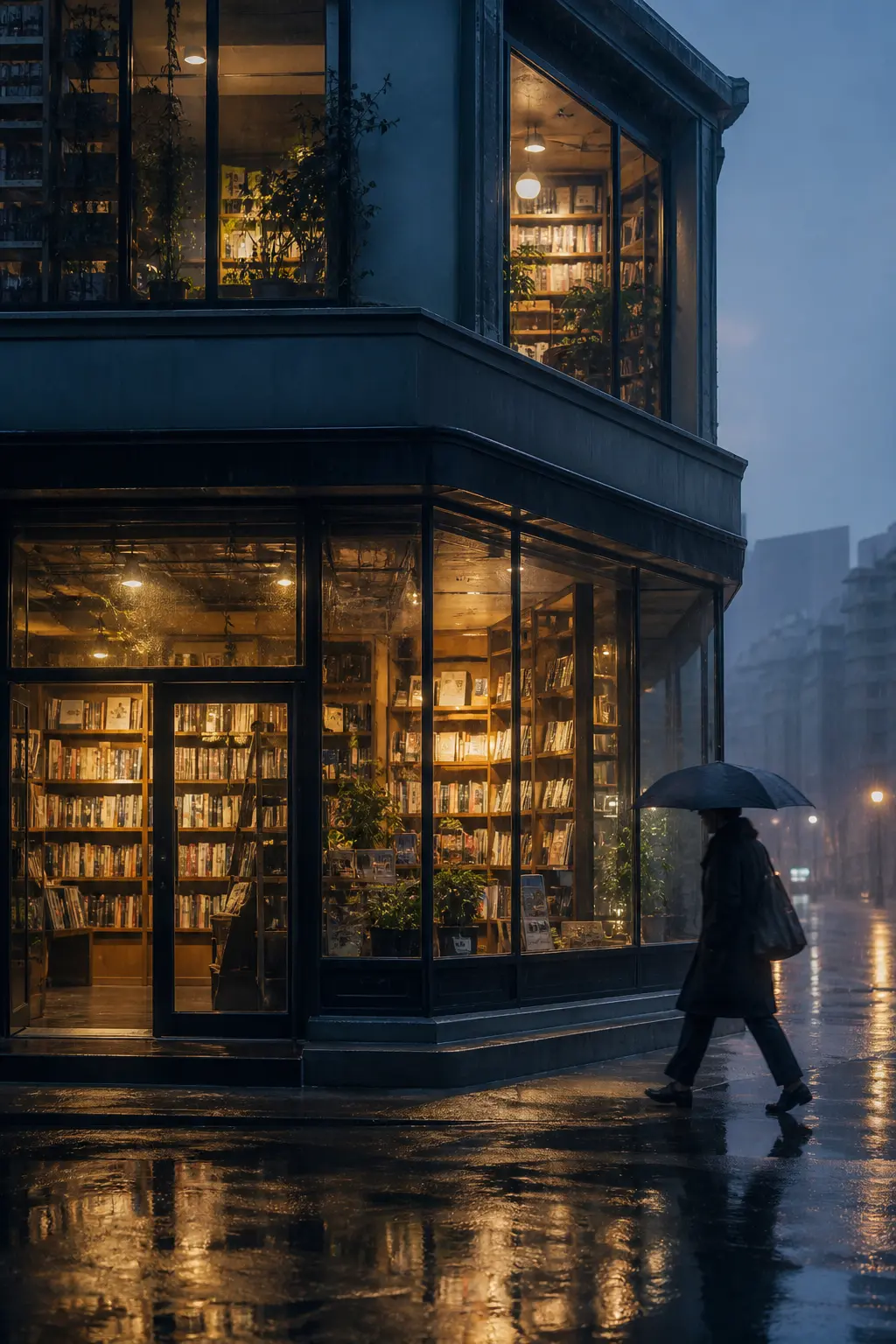
Bookstore After RainMood
Begin with a few words or a picture, and let the idea settle into an image. Covers, illustrations, characters, product shots—all of it can start here.
How you make
MindSee is built on top of advanced third-party AI models, providing you with professional-grade image generation capabilities. Start from a sentence, or take your cue from a picture. From what it shows to how it looks, every step leaves room to choose.
Sketch in words
People, places, light, mood—say them in ordinary language. You don't have to write like a prompt.
Show with a picture
Take composition, color, a face, or an object from a picture you already have, so what comes out stays close to what you meant.
Finish for where it goes
Size, quality, how many, format, background—set them so the image belongs where it will live.
Where it goes
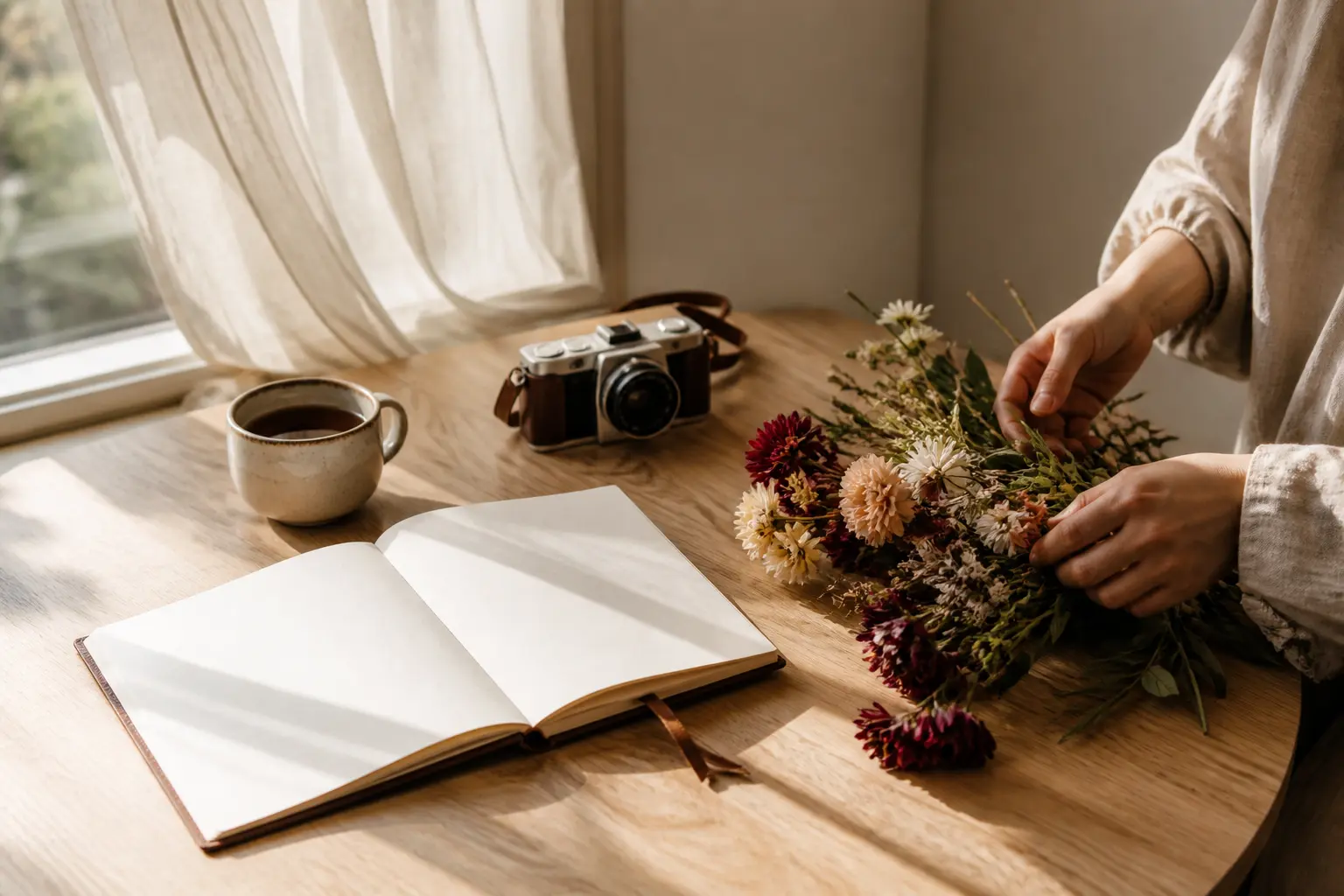
A picture that fits the moment—for posts, notes, and everyday sharing.
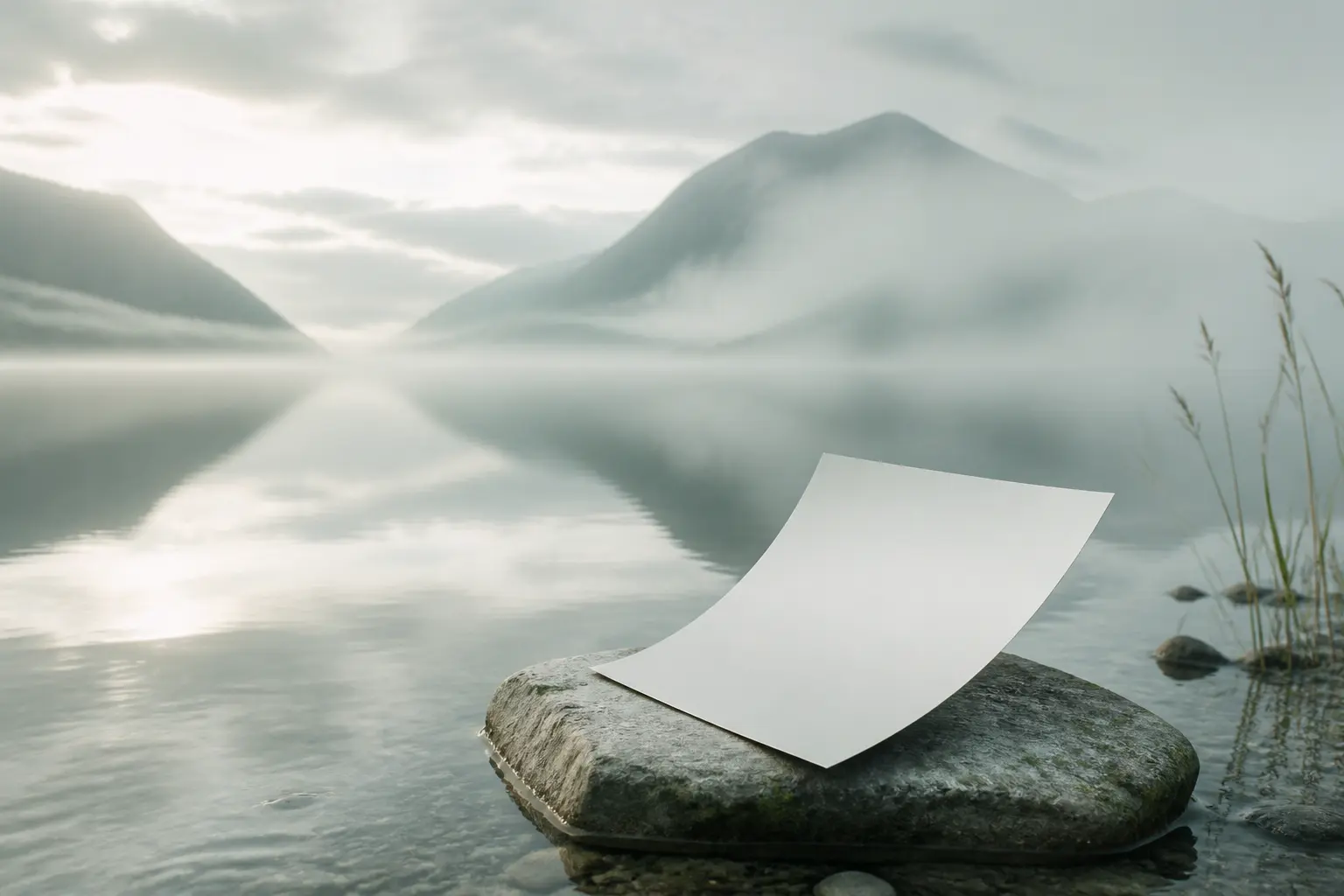
Give an article, a podcast, a video, a reading list an opening image that belongs with the words.
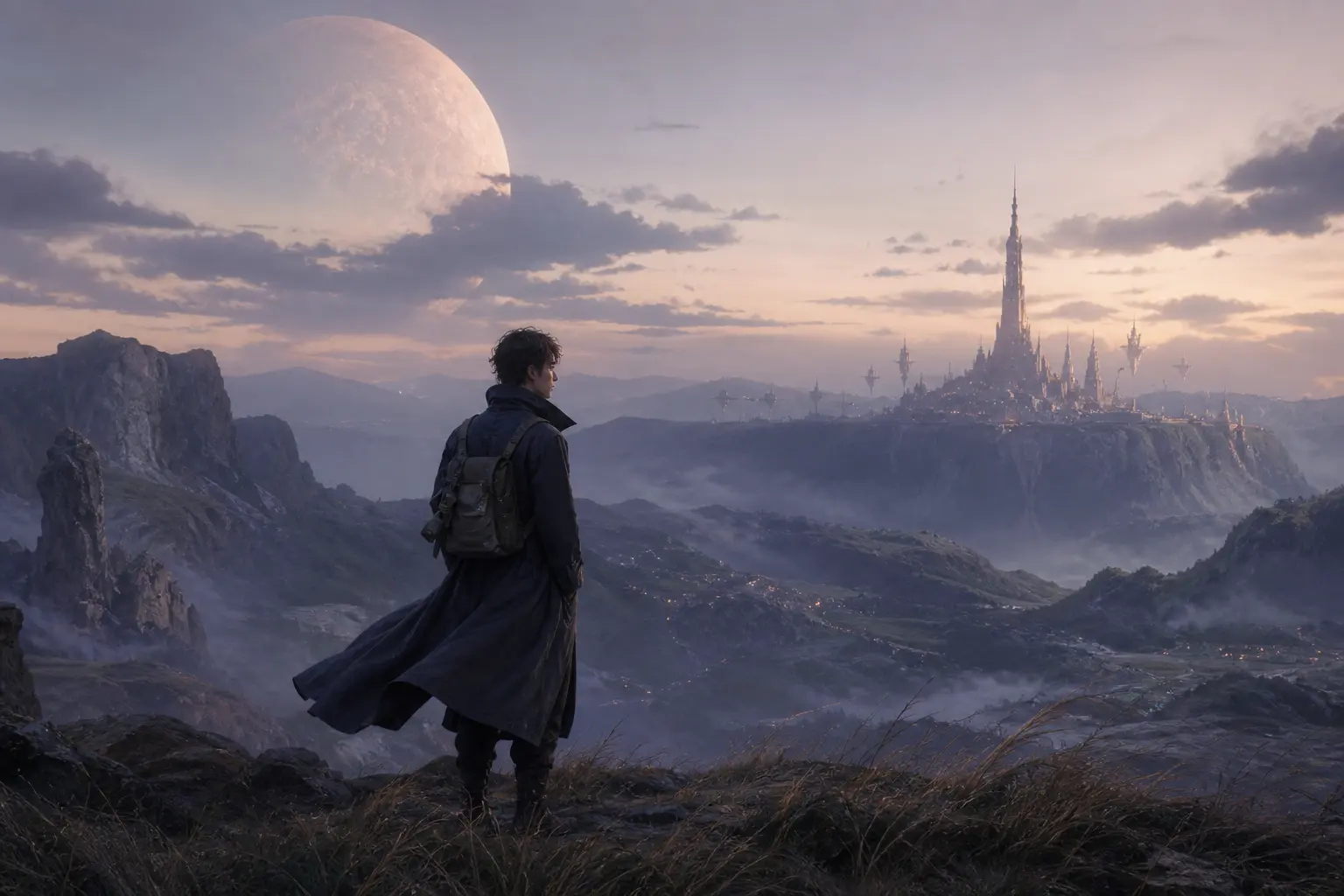
How someone looks and dresses—and the time and place their story happens.
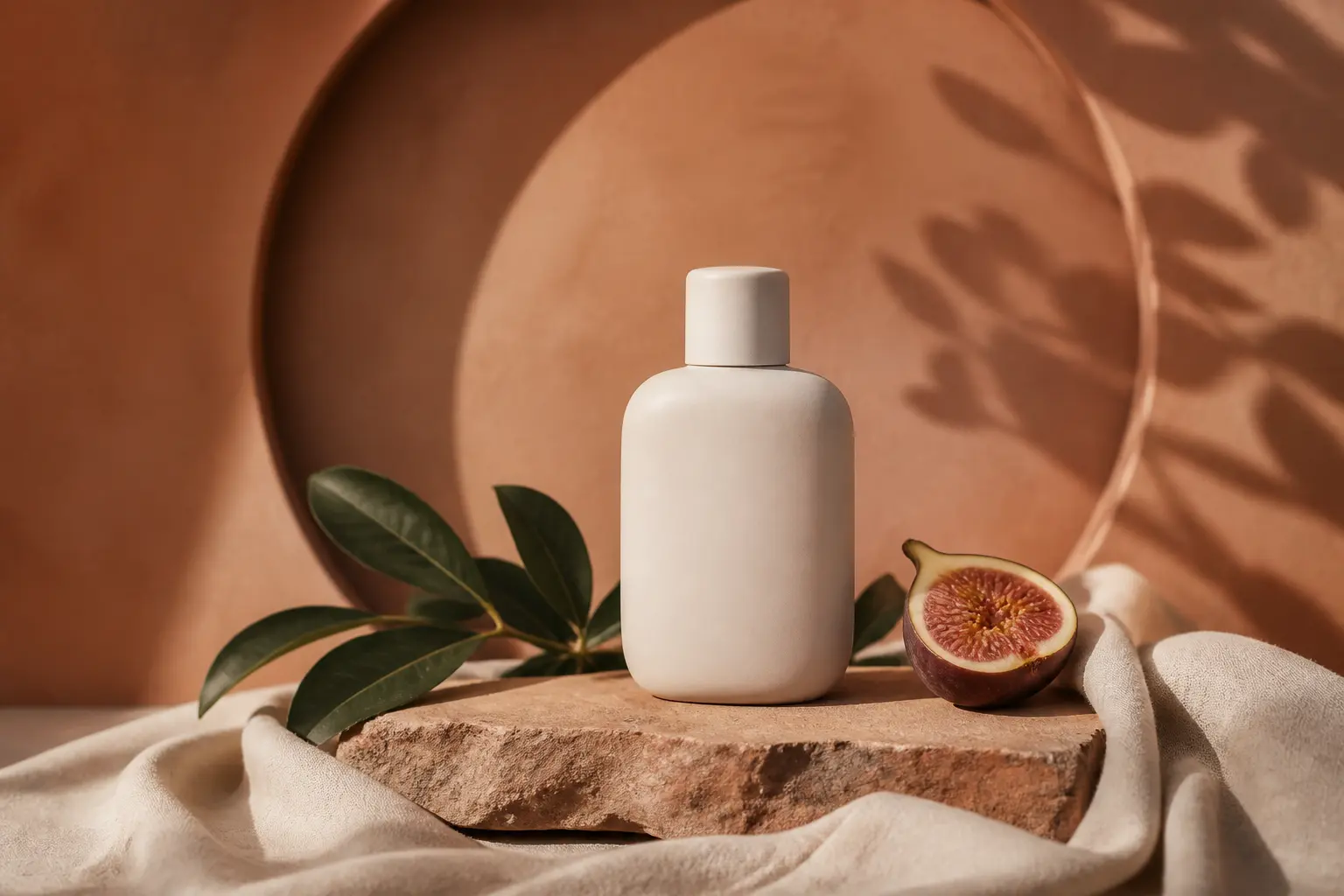
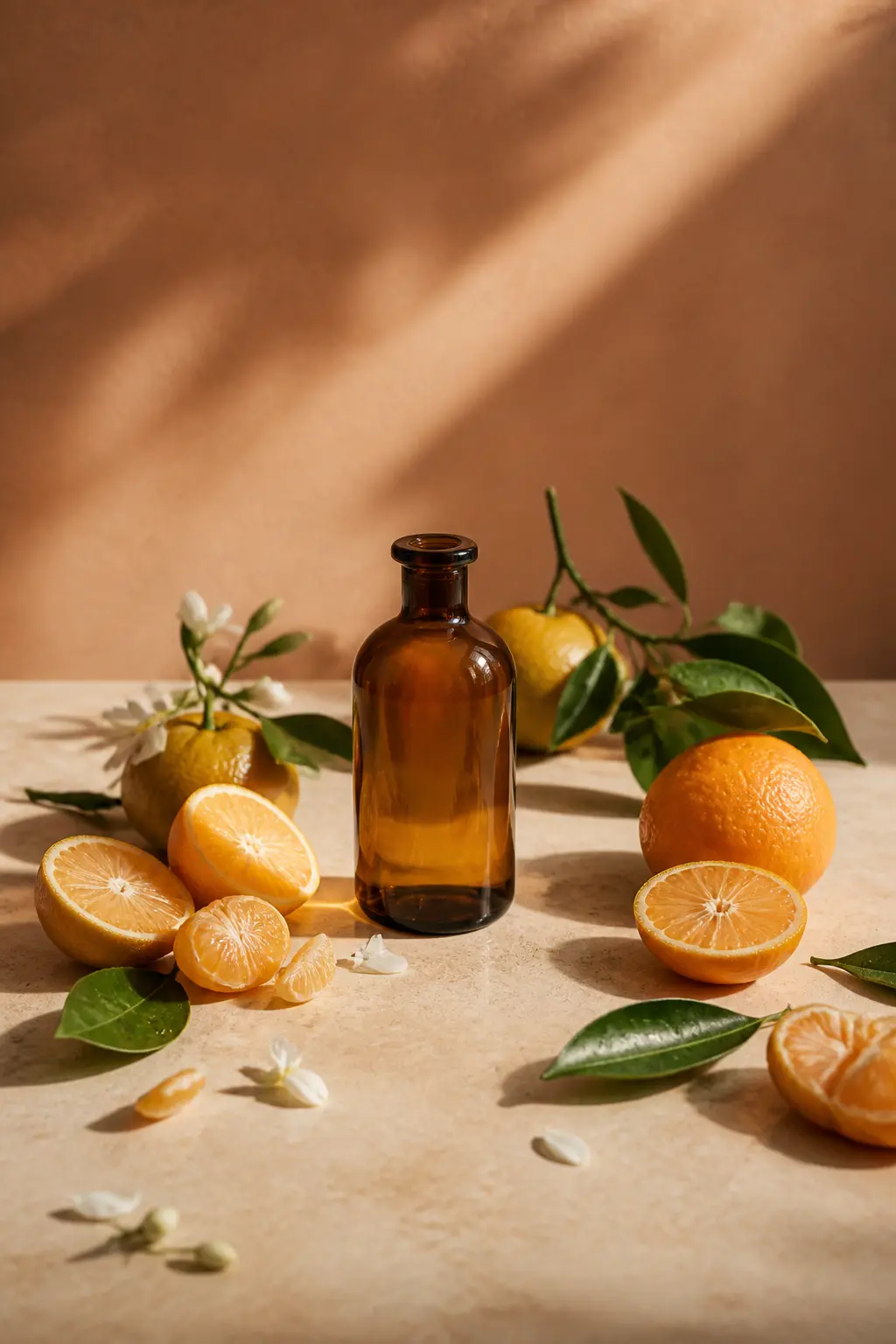
On the shelf, in a scene, on a poster—the full look of a thing for sale.
How it happens
Write the people, the place, the mood. Add a picture if words aren't enough.
For where the piece will live, choose the model, size, quality, count, and background.
Keep the one that feels right. Or change the words and look again.
Questions
From a first thought to a finished picture, making it can be simpler than it seems.
Yes. New accounts receive 12 permanent credits to explore image generation and more. They do not expire, so you can begin with one idea and find your own way into the process.
Yes. Talk about the picture the way you would to a friend—who is in it, where, the light, the color, the mood. MindSee turns that into an image. You don't need to learn a tool, or how to write prompts.
Social posts, covers for articles and videos, characters, story scenes, product shots—and more. A rough thought is enough to start. So is a picture you already have in mind.
Yes. You don't need the whole idea up front. Put down the people, the place, or the mood that matter most, make a first version, then change the words until it feels closer.
Yes. Add your own pictures as a reference, and change the size, quality, how many you make, the format, and the background. Change the words or the references and keep exploring.
Start from words or a reference picture, in different sizes, qualities, and styles.
Change the description, the settings, or the reference pictures, and try again. Each result can be the start of the next one, until the picture gets closer to what you meant.
Credits only leave your account when it succeeds. If it fails in the end, they come back. You'll also see how many it will take before you start.
The first stroke
Don't wait for the idea to be complete. Write what you see and feel right now. The rest can be worked out, slowly, as you make.